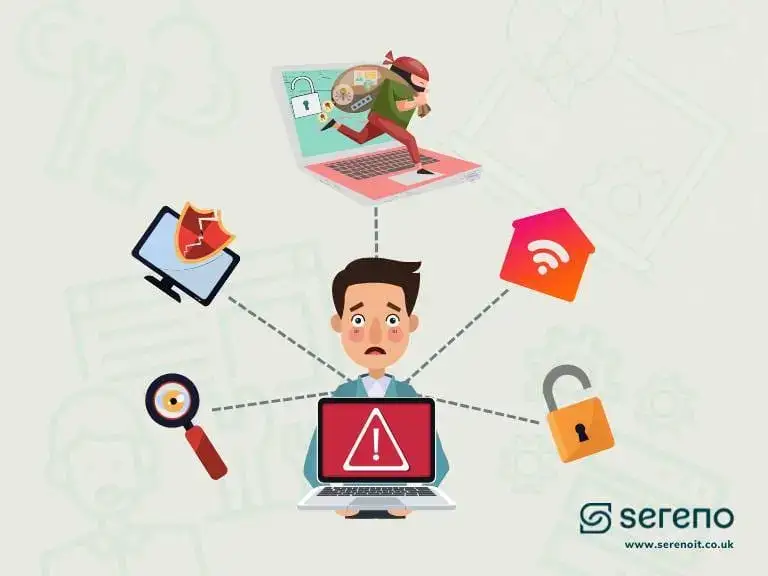
Ever worked from a café or airport and wondered who else might be watching your data?
As remote and hybrid working has become the norm, protecting business data outside the office has become critical. Employees are logging in from homes, hotels and public hotspots, networks that often leave your business wide open to cyber threats.
A virtual private network (VPN) promises a safer way to connect. But does your team really need a VPN, or is it just another line on your IT bill? Below, we break down what a VPN actually does, how it protects remote workers, how to choose the right provider, and whether it’s worth it for your business.
What is a VPN?
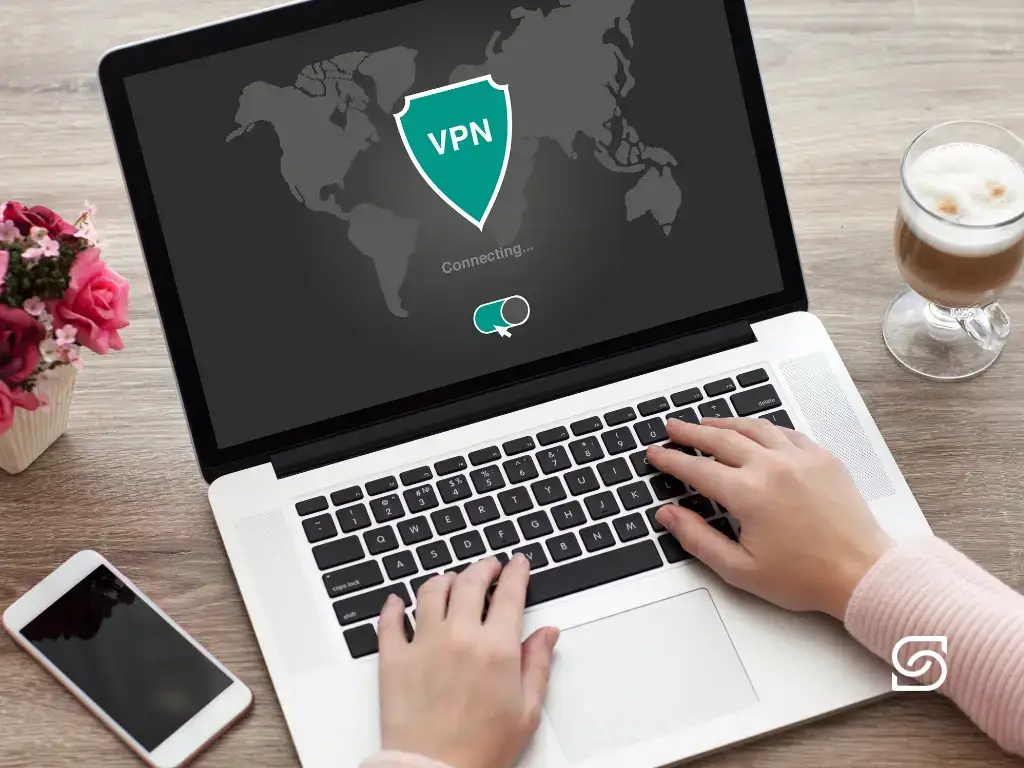
A virtual private network (VPN) is a technology that helps protect your connection when you’re online. It creates a secure tunnel between a user’s device and a VPN server, encrypting the data you send and receive.
A VPN connection can also mask your IP address, making it harder for an internet service provider to monitor your online activity, or for threat actors to gain unauthorised access to your data.
For employees who work from home or connect over unsecured public networks, a VPN is a reliable way to safeguard sensitive information.
How does a VPN work?
A VPN uses a combination of technologies to keep your connection safe and private. Below are the key elements that together create a secure connection between an employee’s device and the company network or online services.
The moving parts
-
Encryption
Data leaving your device is scrambled to prevent unauthorised access as it travels across the internet, covering everything from emails to files and passwords.
-
Security protocols
VPNs rely on trusted protocols like OpenVPN and IPSec, which ensure data is transferred securely and without interruption.
-
VPN client and server
Devices use VPN client software to connect to remote VPN servers. The servers act as gateways, handling encrypted data and allowing you to securely access company resources.
-
Split tunnel VPN
A split tunnel VPN lets you decide which traffic goes through the VPN and which doesn’t, for example, routing sensitive business apps through the VPN while everyday browsing takes a direct path.
-
Proxy servers
Some VPN services add proxy servers for IP masking, making it harder for third parties to track your online activity or location.
Risks a VPN helps to mitigate
A trusted company network usually provides adequate data protection, but working remotely often means connecting over much less secure access points. Here are the common risks a VPN helps mitigate.
Lack of encryption on unsecured networks
Cafés, airports, hotels and libraries often offer free Wi-Fi that lacks meaningful network security. When users connect, their online traffic can be intercepted by malicious actors using techniques like packet sniffing. Services like Microsoft 365 or Google Workspace provide strong encryption for data in transit, but DNS queries, metadata and any non-HTTPS traffic may still be exposed.
A VPN creates a secure, encrypted tunnel between the user’s device and the VPN server. All traffic, including DNS requests, is encrypted end-to-end within that tunnel, preventing any third party on the local network from observing, intercepting or modifying data, regardless of the application being used.
Man-in-the-middle attacks
A man-in-the-middle attack happens when a malicious actor secretly intercepts the communication between a user and the service they’re accessing. It usually happens on unsecured public networks, for example, an attacker creates a spoofed Wi-Fi network that looks legitimate, and any information you enter once connected (logins, emails, payment data) can be seen by the attacker.
Routing traffic through an encrypted VPN tunnel prevents this kind of interception even when you’re connected to a rogue or compromised network.
Misconfigured or compromised routers
A home internet connection can be weak if the router’s firmware is outdated, default passwords haven’t been changed, or it’s misconfigured. In some cases, threat actors exploit router vulnerabilities to intercept traffic or redirect users to malicious sites without their knowledge.
A VPN reduces this risk by encrypting traffic before it passes through the local router, limiting what an attacker can see or tamper with.
Want help reviewing how your remote team connects? Contact us, we’ll walk through where a VPN fits in your wider security setup.
Why use a VPN for remote work
When staff work from home or on the move, sensitive information travels across a wide range of networks that don’t all provide an adequate level of security. A VPN acts as a safeguard, helping maintain the confidentiality of data in transit.
Secure access to cloud-based and internal resources
Cloud platforms like Microsoft 365 and Google Workspace provide strong security features, encryption, access controls, multi-factor authentication. But that applies to their platforms, not to the connection between user and provider. If that connection is compromised, a man-in-the-middle attacker can intercept the session and piggyback on the user’s authenticated connection.
A VPN ensures the connection between the user and the provider is itself protected from interference.
Minimising exposure on public and home networks
Unsecured Wi-Fi networks expose users to packet sniffing and man-in-the-middle attacks, and home routers are also vulnerable when outdated or misconfigured. A secure VPN connection encrypts all network traffic between your device and the VPN server, significantly reducing that exposure.
Protecting business continuity
Unsecured networks leave sensitive data exposed and increase the risk of breaches, and the downtime that follows them. Operational disruption, financial loss, reputational damage and regulatory scrutiny are all on the table. One of the major benefits of a VPN for remote work is a secure working setup that helps prevent disruptions caused by unauthorised access or data interception.
When you actually need a VPN
A VPN is a wise idea for remote work, but it’s especially important when employees:
- Use internal business applications that aren’t available over the public internet.
- Regularly connect from cafés, airports, hotels or other places with public Wi-Fi.
- Handle confidential client data or work in regulated sectors like finance, law or healthcare.
- Travel internationally and need access to services restricted to certain countries.
- Don’t fully trust their home internet setup, or simply want an extra layer of protection.
Sereno can help you select, procure and install the right VPN for your team. Contact us to talk it through.
How to choose a VPN provider
The VPN market is crowded. Providers range from large well-known names to smaller niche services, with very different feature sets, pricing plans and security postures. Free VPNs exist too, but they typically lack the security and support needed for business use.
Some solutions focus on consumer privacy and entertainment (like streaming access); others specialise in secure access for remote work. Providers offer VPN apps for individual devices, full software suites, or VPN-as-a-service.
-
Choose a corporate VPN provider
Consumer VPN software or services may not offer the security, management features or multi-device support a business actually needs.
-
Check the encryption and privacy policy
Look for strong encryption standards and secure protocols like OpenVPN or WireGuard. Read the privacy policy to confirm the provider doesn’t log your activity or share data with third parties.
-
Look for fast, stable servers
Any VPN introduces some latency because traffic is routed via the provider. Quality VPNs use efficient protocols to keep slowdown minimal, pick one known for stable, fast servers.
-
Prioritise a clean user experience
Go for a VPN solution with a user-friendly interface and easy installation, especially if non-technical staff will set it up themselves.
-
Check the server-location coverage
A wide range of server locations lets your team access resources globally and avoid regional restrictions.
-
Match the plan to your team's shape
For business use, check how many simultaneous VPN sessions are allowed. Tiered plans based on device count are ideal, they grow with the team.
Finally, pick a VPN provider with dependable customer support. Review sites are a quick way to get a feel for how responsive each provider on your shortlist actually is.
Leave it to Sereno. Contact us and we’ll match the right provider to how your team works.
Bonus: more habits that prevent data leaks
A VPN is one layer. These everyday habits help close the gaps a VPN doesn’t.
Layer the basics on top
-
Use a personal hotspot
A mobile network is usually more secure than an open Wi-Fi hotspot. When possible, use your phone’s hotspot for work tasks.
-
Keep devices and routers updated
Regularly patch device operating systems and router firmware so known vulnerabilities are closed quickly.
-
Enable strong authentication
Turn on two-factor authentication wherever possible, it stops most credential-stuffing attacks dead.
-
Stick to HTTPS
Check the sites you visit use a secure connection, look for the padlock icon in the browser’s address bar.
-
Install reputable antivirus
Protect devices with up-to-date security software to detect and block threats before they spread.
-
Watch for phishing
Avoid suspicious links and unsolicited emails, phishing remains the most common path to a data breach or malware infection.
Need help selecting and setting up a VPN for remote workers?
Sereno is a trusted partner for IT support in London and beyond. Our team provides a broad range of services, including network infrastructure management. As part of our managed IT support, we cover all VPN needs, from expert advice and procurement to installation, maintenance and ongoing support of a VPN for remote workers.
Written by
Sahaj Arrora
Part of the Sereno IT team helping growing UK businesses make confident, jargon-free technology decisions. Read more remote & hybrid work guidance in our Remote & Hybrid Work library.