As an IT decision-maker or procurement lead, choosing the right hardware for your team is crucial, and a frequently asked question is, “How much RAM do I need for my business laptops?” For years the go-to answer was 8GB. But as business software and workflows become more resource-intensive, it’s time to consider 16GB as the new standard. Let’s dig into why, and how it improves productivity across your organisation.
What is RAM and why does it matter?
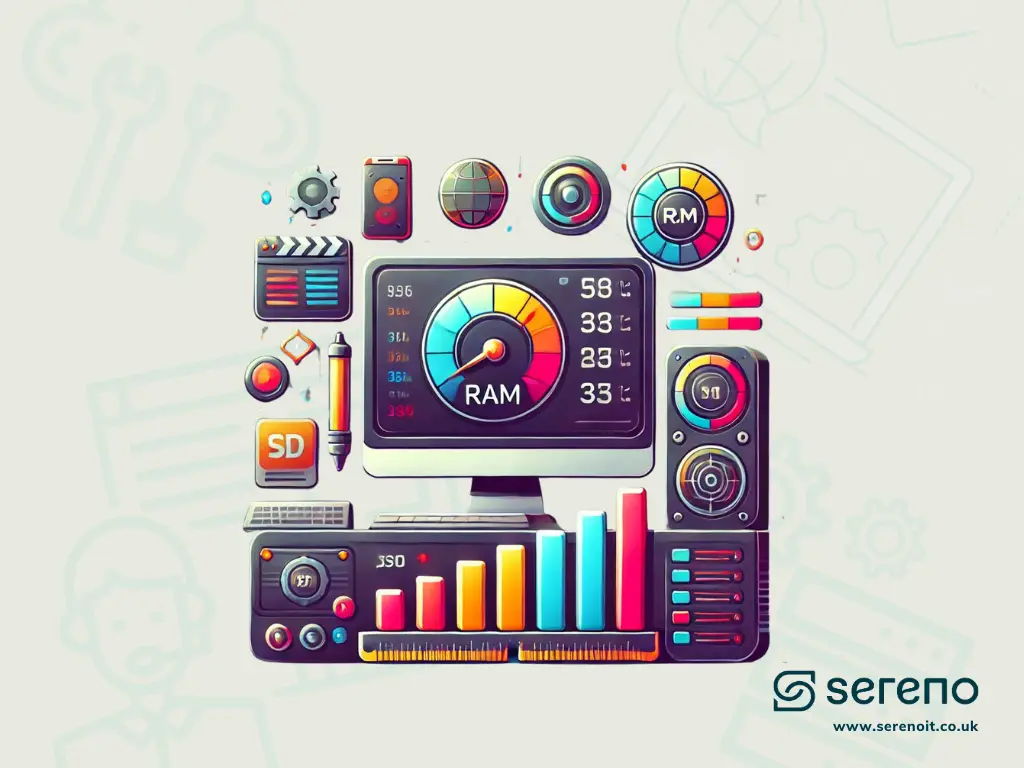
RAM (Random Access Memory) is the working memory of your laptop. It temporarily stores data your CPU can access quickly, letting you run applications smoothly and multitask efficiently. Unlike hard drives or SSDs, RAM is fast but non-permanent, it resets every time the computer powers off.
In a business environment, your employees likely run multiple applications at once, email, web browsers, video conferencing and more. If a laptop’s RAM is insufficient, it struggles to keep everything running smoothly, leading to lag, crashes and frustration.
Why 16GB of RAM is the new business standard
Increasing memory demands of modern applications: business-critical apps like Microsoft Teams, Outlook and OneDrive have grown significantly in complexity, and often run simultaneously. Even basic tasks, opening large attachments, joining video calls, syncing files, can stretch an 8GB system to its limits.
The rise of SaaS and cloud-based tools: many businesses are moving to cloud SaaS platforms for everything from project management to CRM. Running these through a browser requires substantial memory, and having multiple tabs open is often as demanding as running multiple applications at once, each tab consumes a portion of available RAM, especially for resource-intensive SaaS tools, collaborative documents and media-rich web apps.
Multiple browser tabs and resource-intensive workflows: today’s employees typically have dozens of tabs open for research, project tracking and collaboration. Each consumes RAM, and with the growing use of complex web apps it’s easy to max out 8GB.
How running out of RAM hurts performance
When a laptop exhausts its RAM, it starts using a “page file” on the storage drive as overflow memory. Applications keep running, but at a cost: accessing data from an SSD or hard drive is far slower than from RAM. The result is lagging, freezing and long load times even for simple tasks, while the CPU works harder, reducing overall performance and productivity.
On a 16GB system these hits are much less likely. More memory means fewer instances of offloading data to virtual memory, keeping the laptop running smoothly.
The benefits of upgrading to 16GB
What you gain
-
Enhanced multitasking
Switch between spreadsheets, video conferences and analytics software without lag, the system has enough memory to handle everything simultaneously.
-
Better future-proofing
Software memory requirements only increase. Investing in 16GB now means upgrading devices less often, saving time and money long term.
-
Improved productivity
Faster, more responsive systems mean less time waiting for apps to load or resolving slowdowns, and more time focused on the work.
Considerations for IT decision-makers
When deciding how much RAM your business laptops need, weigh up:
- User roles, basic productivity and cloud apps run fine on 16GB. But for video editing, graphic design or data analysis, consider 32GB or more.
- Cloud vs local workflows, cloud apps reduce local storage needs but increase RAM demand, because the browser or SaaS platform still runs on the local machine. Cloud-heavy businesses should opt for more RAM.
- Performance vs cost. 16GB laptops cost a little more upfront than 8GB, but the gains in speed, fewer slowdowns and productivity far outweigh the difference.
Recommended 16GB business laptops
Ready to switch?
-
Dell XPS 13 (2025)
Specs: Intel Core Ultra 7, 16GB RAM, 512GB SSD. Sleek, lightweight and powerful, ideal for professionals needing a portable yet capable machine. Best for: executives and frequent travellers.
-
Lenovo ThinkPad X1 Carbon Gen 12
Specs: Intel Core Ultra 7, 16GB RAM, 1TB SSD. Durable, a robust keyboard and excellent security. Best for: IT, finance teams and high-security industries.
-
HP EliteBook 840 G11
Specs: Intel Core Ultra 5/7, 16GB RAM, 512GB SSD. Business-grade security (HP Sure View, Sure Start) plus strong performance. Best for: corporate, finance and security-focused IT.
-
Apple MacBook Pro (M4, 2025)
Specs: Apple M4 chip, 16GB RAM, 512GB SSD. M4 power for resource-heavy apps and multitasking, with excellent battery life. Best for: creatives, developers and design teams.
-
Microsoft Surface Pro (Copilot+ PC)
Specs: Snapdragon X Plus, 16GB RAM, 512GB SSD. A lightweight 2-in-1 with long battery, Copilot+ AI and deep Microsoft 365 integration. Best for: executives and remote workers needing a versatile, AI-powered device.
Conclusion: 16GB RAM for a more productive workforce
In 2025, 16GB of RAM is no longer a luxury for business laptops, it’s a necessity.
As business applications grow more complex and cloud-based workflows increase, the demand for memory has risen with them. Choosing 16GB ensures your laptops handle modern workloads efficiently, maximising productivity and future-proofing your hardware investment.
At Sereno IT, our support solutions take the hassle out of procuring hardware: we help you choose the right devices for your needs and handle the entire procurement process, from identifying reliable vendors and negotiating prices to managing delivery, setup and configuration, so devices arrive ready to use. With our experience and established vendor partnerships, you can trust Sereno to deliver the best solutions for your team, so you can focus on growing your business.
Written by
Reymart David
Part of the Sereno IT team helping growing UK businesses make confident, jargon-free technology decisions. Read more hardware & devices guidance in our Hardware & Devices library.