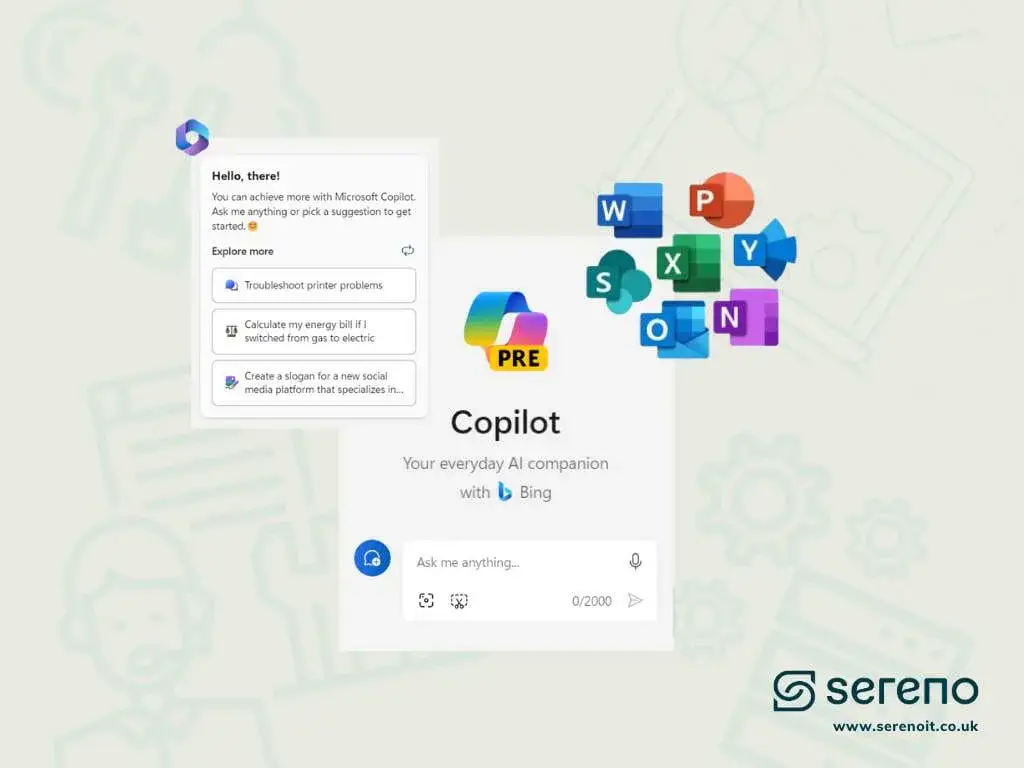
An established estate agency with 36 employees needed to move beyond ageing server infrastructure that made working across offices unnecessarily complicated. Sereno introduced Microsoft 365 cloud collaboration, creating a more accessible and secure environment for managing property information.
RELIABLE IT SUPPORT
95%
Average SLA adherence
Consistent support performance for busy, multi-office operations.
REMOTE SUPPORT
77%
Issues resolved remotely within minutes
Helping staff across branches get support without an on-site visit.
CRITICAL RESPONSE
15 min
Critical incident response target
Prioritising urgent disruptions to essential business systems.
CLIENT SATISFACTION
97%
Customer satisfaction score
Reflecting the service experience clients report to Sereno.
The challenge
The agency relied on an ageing office server and traditional VPN connections to access shared property documents. For employees working across multiple locations, this created unnecessary steps when retrieving information or collaborating with colleagues.
The existing setup was increasingly restrictive for a business that needed consistent access to files throughout the working day.
The priority was to modernise document access without disrupting daily operations, while ensuring sensitive client information remained appropriately protected.
Project Overview
THE BUSINESS
A multi-office estate agency with 36 employees, supporting residential property sales, lettings and client relationships.
THE IT ENVIRONMENT
30 Microsoft 365 users, with shared business files previously accessed through an office server and traditional remote connections.
THE ENGAGEMENT
Cloud migration focused on modernising file storage, improving cross-office collaboration and strengthening security.
THE PROJECT SCOPE
Server assessment, SharePoint file migration, Teams implementation, multi-factor authentication, endpoint protection and staff training.
How Sereno helped
Sereno developed a cloud-based working environment that addressed the limitations of the agency’s existing infrastructure while maintaining secure access to business information.
-
1. IT Infrastructure Review and Cloud Migration
Sereno assessed the existing server environment and migrated shared business files to Microsoft SharePoint.
This reduced the need for employees to connect to the office server through traditional VPN access when working with shared documents.
-
2. Improved Collaboration with Microsoft Teams
Microsoft Teams was introduced to centralise communication and support document collaboration across locations.
Integrated with SharePoint, it enabled employees to work with shared information without manually transferring files between offices or maintaining separate document copies.
-
3. Strengthened Cyber Security
Sereno implemented multi-factor authentication and endpoint protection to strengthen account and device security.
These controls helped reduce unauthorised access risks while supporting secure access to business information through Microsoft 365.
The outcome
Teams gained easier access to shared property information across offices, with less dependence on legacy servers and VPN connections. The business also reduced infrastructure overheads while establishing a more flexible platform for future growth.
What This Means for Businesses
A successful cloud migration starts with understanding how employees work.
For estate agencies operating across multiple locations, the objective should not simply be to replace servers. It should be to remove unnecessary barriers to accessing information while maintaining appropriate security and control.
-
1. Assess what genuinely needs migrating
Before moving away from a server, identify where business data is stored, who needs access and whether any applications still depend on local infrastructure. Not every workload belongs in SharePoint.
-
2. Design collaboration around clear ownership
Organise SharePoint libraries and Teams workspaces around business functions, with appropriate permissions and designated owners. This helps prevent fragmented document storage and uncontrolled sharing.
-
3. Validate security before completing the transition
Review account protection, device security and sharing permissions before users begin relying on the new environment. Staff training should reinforce how documents are accessed and shared securely.
For multi-office businesses, effective modernisation depends on combining accessible systems with well-managed permissions and practical working processes.
Frequently Asked Questions
What problem did Sereno IT Support solve for the estate agency?
The agency’s ageing server and remote access arrangements made document collaboration across offices unnecessarily complicated. Sereno modernised shared file access using Microsoft 365 and introduced additional security controls.
What results did Sereno IT Support deliver for the agency?
The agency gained centralised document access, improved cross-office collaboration and reduced reliance on its previous server-based file storage arrangements. Microsoft 365 security improvements also strengthened account and device protection.
Explore related services: IT Support for Real Estate | Microsoft 365 Managed Services
From Sereno IT
The Sereno IT team
Sereno IT is a London-based managed IT support provider helping businesses across the UK stay secure and productive. Read more in the Company News & Case Studies section.