Category
AI & Productivity
Practical advice on using AI and productivity tools responsibly to improve workflows and support your team.
6 articles in this category
Articles in AI & Productivity
-
 Guide
Guide AI & Productivity
Key Microsoft 365 benefits that will help your business stay ahead of the curve in 2025
Microsoft 365 gives growing businesses access to enterprise-grade collaboration, security, and productivity tools on a predictable monthly subscription, without the upfront cost of on-premises infrastructure.
ReadSahaj Arrora · 5 min read -
 Explainer
 AI & Productivity
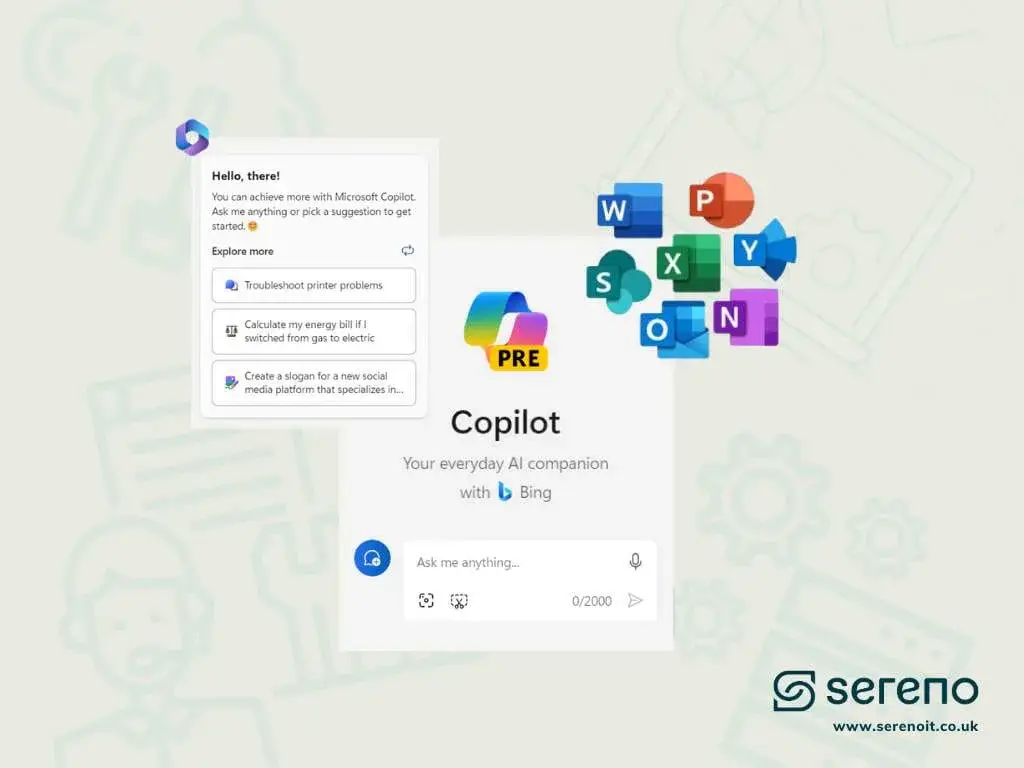
Microsoft Copilot vs Windows Copilot vs Copilot for Microsoft 365
With names like Windows Copilot, Microsoft Copilot and Copilot for Microsoft 365 floating around, it's no surprise people are confused. Here's what sets each one apart.
ReadSahaj Arrora · 4 min read -
 Guide
Guide AI & Productivity
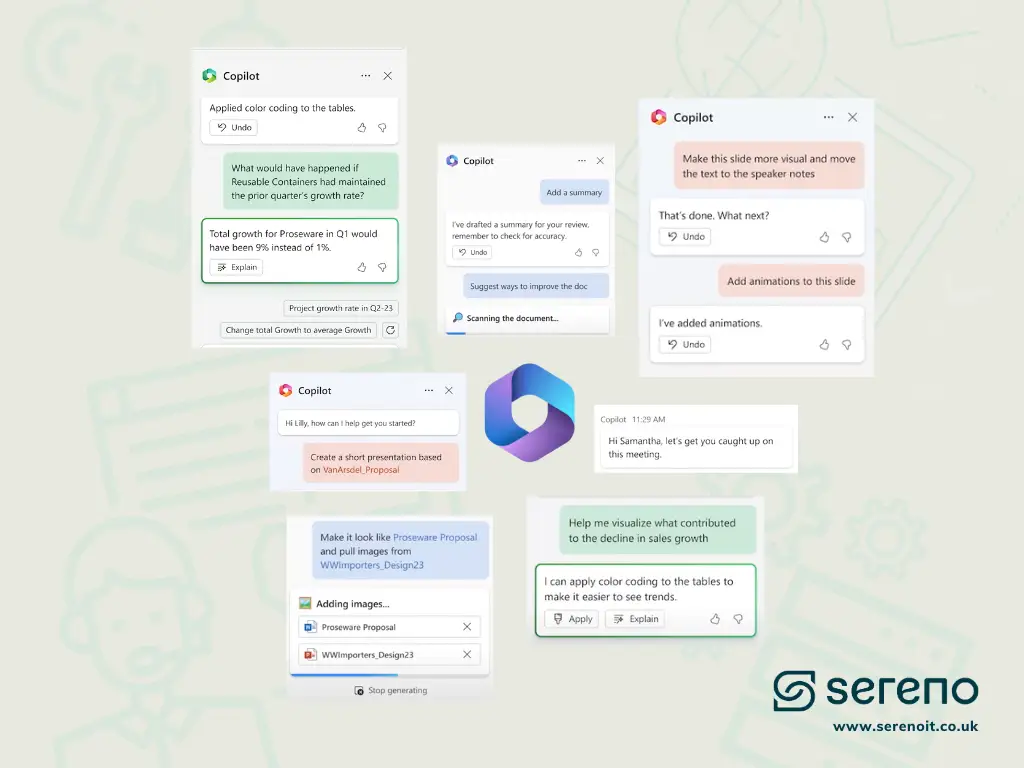
All You Need to Know About Microsoft 365 Copilot
Microsoft 365 Copilot puts a virtual assistant inside Word, Teams, PowerPoint, Excel and Outlook. Here's how it works, and how to deploy it without exposing your sensitive data.
ReadSahaj Arrora · 6 min read -
 Guide
Guide AI & Productivity
10 Underrated Microsoft Teams Features to Boost Productivity in 2025
Most teams use Microsoft Teams for chats and video calls. That's the tip of the iceberg. Teams now includes automation, AI meeting notes, real-time translation, and targeted notifications that most organisations have never switched on.
ReadSahaj Arrora · 6 min read -
 Explainer
 AI & Productivity
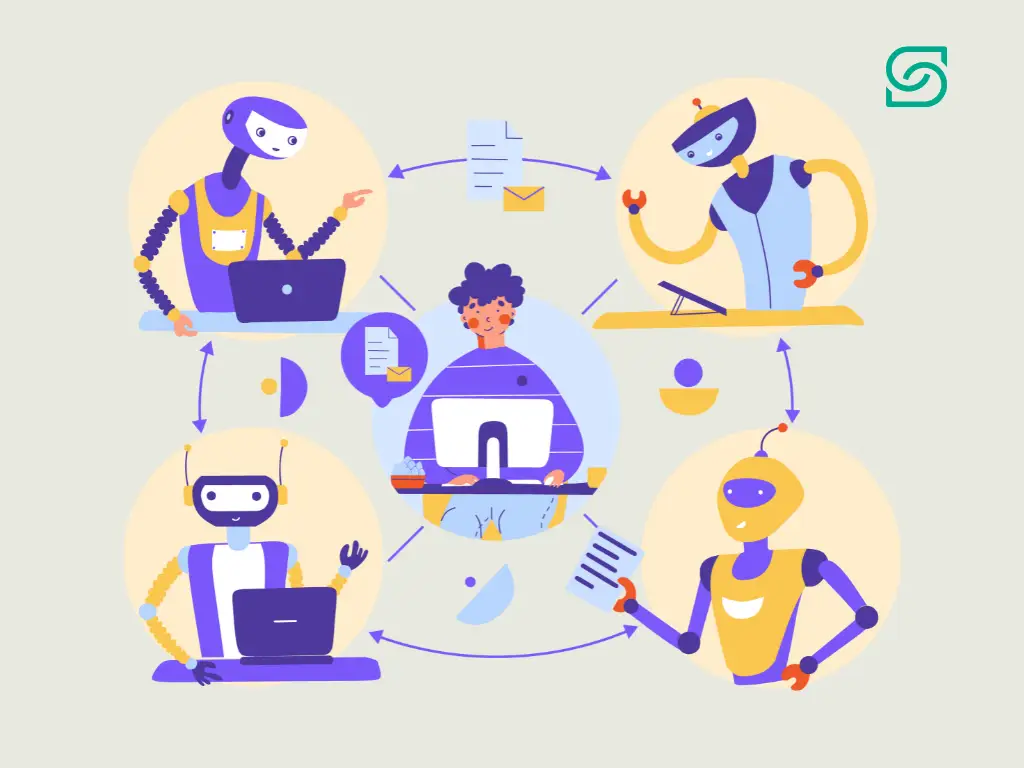
How Can IT Support Automation Benefit Businesses?
IT support automation isn't about replacing IT teams, it's about making their jobs easier. By handling repetitive tasks like password resets and ticket routing, it frees IT professionals for complex work while users get fast, efficient service.
ReadEric Ryan · 5 min read -
 Guide
Guide AI & Productivity
Exploring Microsoft 365: 10 Collaboration Tools that Increase Productivity
The Microsoft 365 suite contains far more than email and Office apps, it includes a set of collaboration tools that are designed to work together and solve the most common productivity friction points in a modern workplace.
ReadSahaj Arrora · 5 min read

If this resonates
Reading because something feels wrong with your IT?
Many businesses start learning because they can sense their IT setup is not working as well as it should, even if they're not sure what the exact problem is yet. If recurring issues, slow responses, poor visibility, or security concerns are holding your team back, Sereno can help you understand what needs to change.
Need a hand?
Want help applying any of this?
The Sereno team can sit with you for an hour and walk through anything covered in ai & productivity, no commitment, no jargon.
Talk to Sereno